amanvision.
An AI-powered HSE platform that turns live camera feeds into real-time safety intelligence — built for the scale, languages, and regulations of the GCC.
The rules arrived faster than the tools to meet them.
Across the GCC, workplace safety stopped being optional. Stringent, OSH-aligned HSE regulation — tied to Vision 2030 — now reaches from mandatory PPE on every active site to incident reporting, escalation, and audit-ready documentation on demand. The obligation was clear. The software to actually meet it, for this region, was not.
New mandates landed on the same manual workflows.
- Stringent, OSH-aligned HSE regulation tied to Vision 2030.
- Mandatory PPE compliance on every active site.
- Rigorous incident reporting and escalation built into the day.
- Audit-ready documentation expected whenever an inspector asks.
Four gaps between the rule and the floor.
We started by mapping how safety actually moved through a site — not the policy, the practice. Four gaps showed up on every job.

Built for somewhere else
Safety tools weren’t designed for GCC realities — the languages, the regulations, or the site conditions.

Fragmented and manual
Compliance lived across spreadsheets, chat threads, and paper. Nothing was connected, nothing was searchable.

Risk seen too late
Violations surfaced only after they’d already caused an incident — reporting, never prevention.

No regional memory
No system captured the behaviour patterns specific to a region or a site, so the same risks kept repeating.
surface a risk the moment it happens — and turn it into a record every role can act on?
Strong tools, built for another market.
Protex AI, Buddywise, and Intenseye had polished enterprise UIs and mature detection — but heavy onboarding, Western-centric workflows, and thin multilingual support. The opening was a GCC-native platform: localised, simpler to adopt, and audit-ready out of the box.
 Protex AI
 Buddywise
 Intenseye
- Polished enterprise UI
- Strong analytics dashboards
- Mature rule engines
- High detection accuracy
- Clean information hierarchy
- Heavy cognitive load
- Complex onboarding flows
- Western-centric workflows
- Poor multilingual support
- Limited workflow customisation
- GCC-native compliance patterns
- Cultural & language localisation
- Simplified compliance journeys
- Unified end-to-end IA
- Role-specific workspaces
- Rapid CV evolution
- Bigger players expanding
- Fast, copyable UX patterns
- Rising expectations for automation
- Vendor lock-in barriers
One incident. Five people who have to act.
A single violation touches five very different users, each entering the same event at a different point and needing a different thing from it. Role-based access wasn’t a setting — it was the architecture.
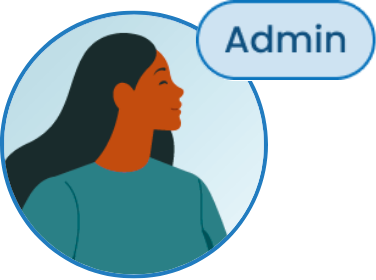
Sets up facilities, cameras, detection rules, users, and permissions.
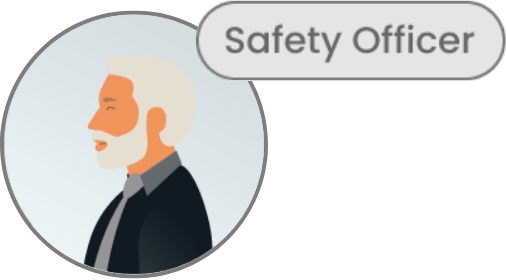
Monitors real-time events, verifies incidents, and flags false positives.
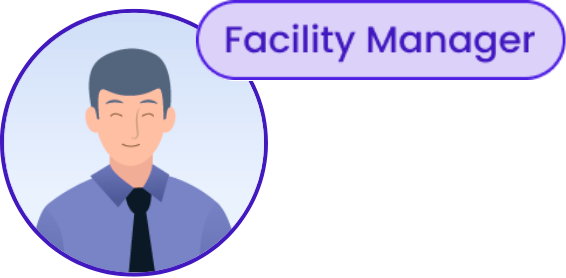
Reviews alerts, adds evidence, and assigns corrective actions.
Validates events, ensures compliance, and updates rules and SOPs.
Watches dashboards, trends, and overall site safety performance.
Same event, five different systems.
Every capability mapped to every role, down to create / view / update / delete. A distilled view of the full RBAC matrix — the spine the whole product was built on.
| Capability | Admin | HSE Mgr | Facility Mgr | Safety Officer | Exec |
|---|---|---|---|---|---|
| Facilities & areas | CRUD | CRUD | CRUD | CRUD | CRUD |
| Cameras & zones | CRUD | CRUD | CRUD | CRUD | CRUD |
| Alerts | CRUD | CRUD | CRUD | CRUD | CRUD |
| Observations | CRUD | CRUD | CRUD | CRUD | CRUD |
| Schedules & detection rules | CRUD | CRUD | CRUD | CRUD | CRUD |
| Analytics & dashboards | CRUD | CRUD | CRUD | CRUD | CRUD |
| User accounts | CRUD | CRUD | CRUD | CRUD | CRUD |
Real-time safety intelligence for high-risk environments.
The platform splits cleanly in two: what the cameras see, and what each role does about it. The detection layer never touches a person until it has something worth acting on.
What the system sees
- Real-time computer-vision safety monitoring
- PPE and access-violation detection
- Detections converted into structured events
- Automatic severity scoring and metadata
- Configurable zones and rules per site
What each role does
- Role-based compliance workflows
- A centralised incident dashboard
- Faster validation and escalation
- Compliance trends and regional insight
- Decision-ready safety reporting
From login to audit, in five layers.
The whole platform runs as one pipeline. Access resolves a role, setup defines the site, the AI layer turns footage into events, each role works those events, and everything rolls up into reporting and audit — the master flow that held the build together.
A system you can build with.
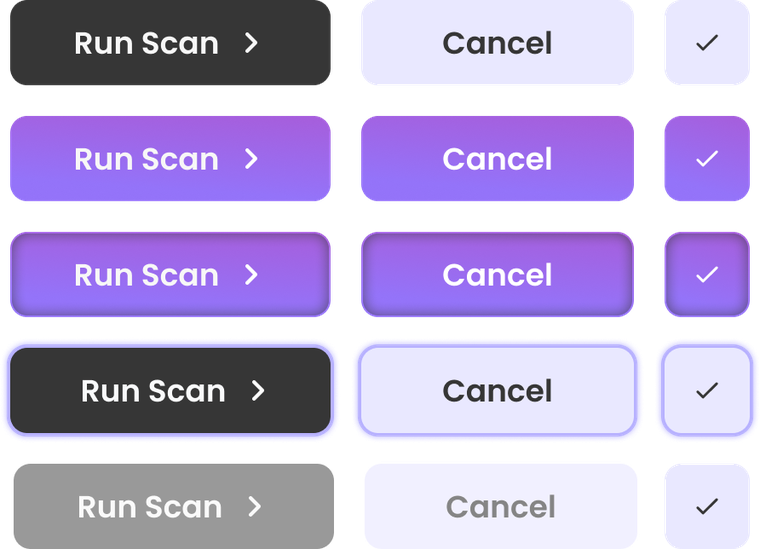
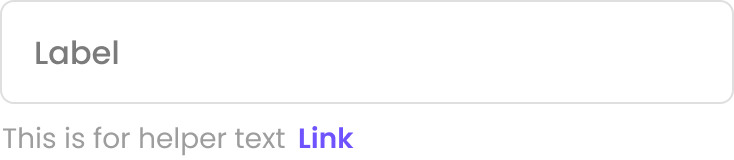
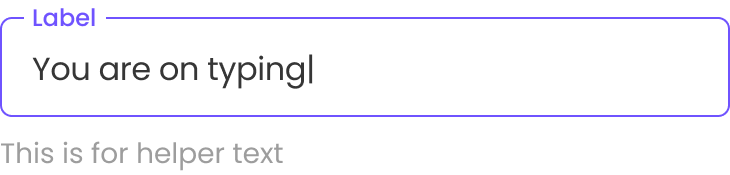
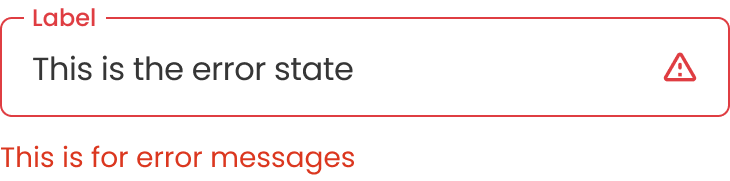
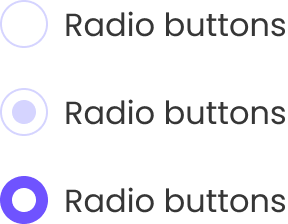
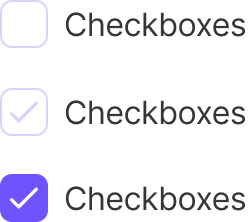
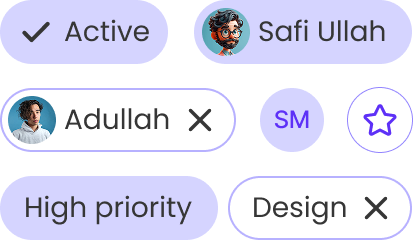
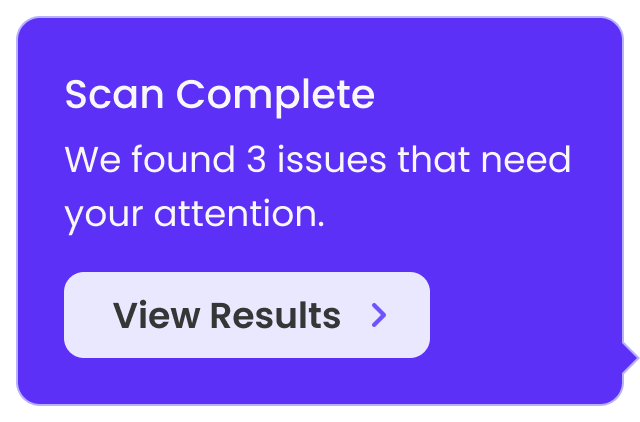
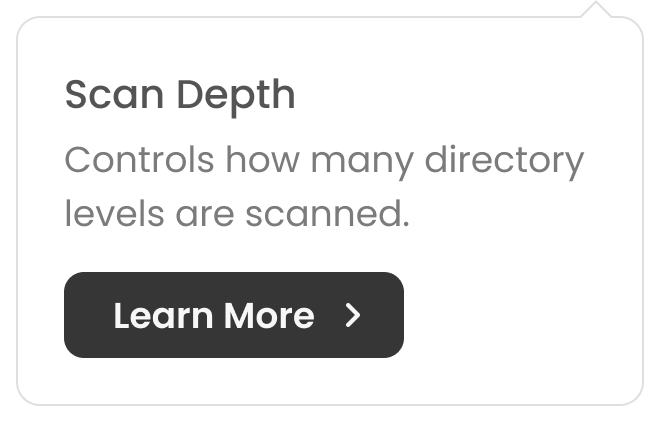
The palette and Poppins type, rebuilt in code; the component kit dropped straight from the Figma library — buttons, inputs, controls, tabs, chips, and tooltips, all on one set of tokens.


From a camera feed to a decision.
The same pipeline runs end to end. A detection becomes an event, an event becomes a record, a record becomes an action assigned to a role — with the heat-map feed, severity, and history all in one view.
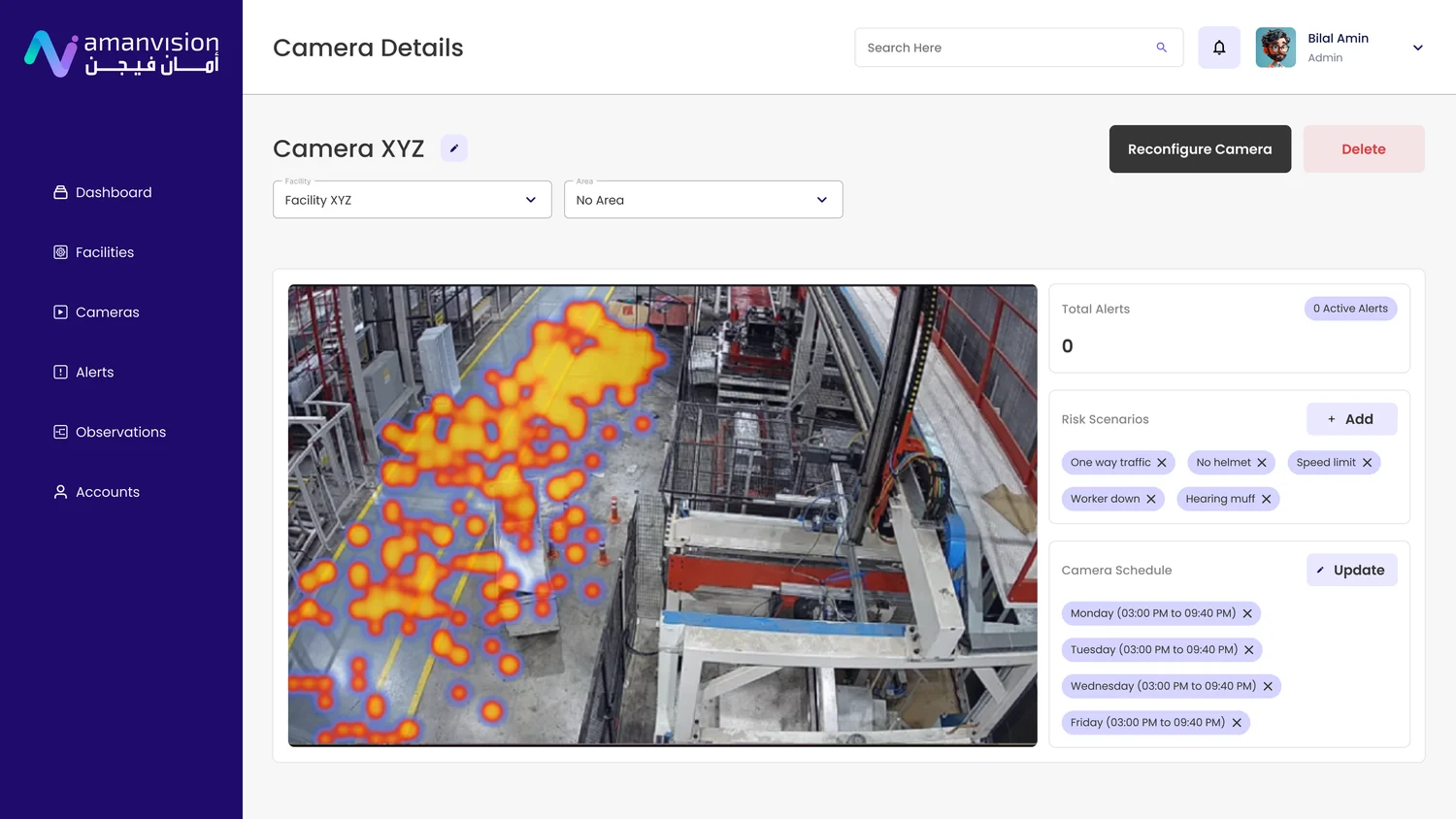
A live feed that flags risk as it happens.
A heat-map overlay on every camera surfaces PPE gaps, access breaches, and unsafe actions the moment they occur — each one becomes a scored event, not an after-the-fact report.
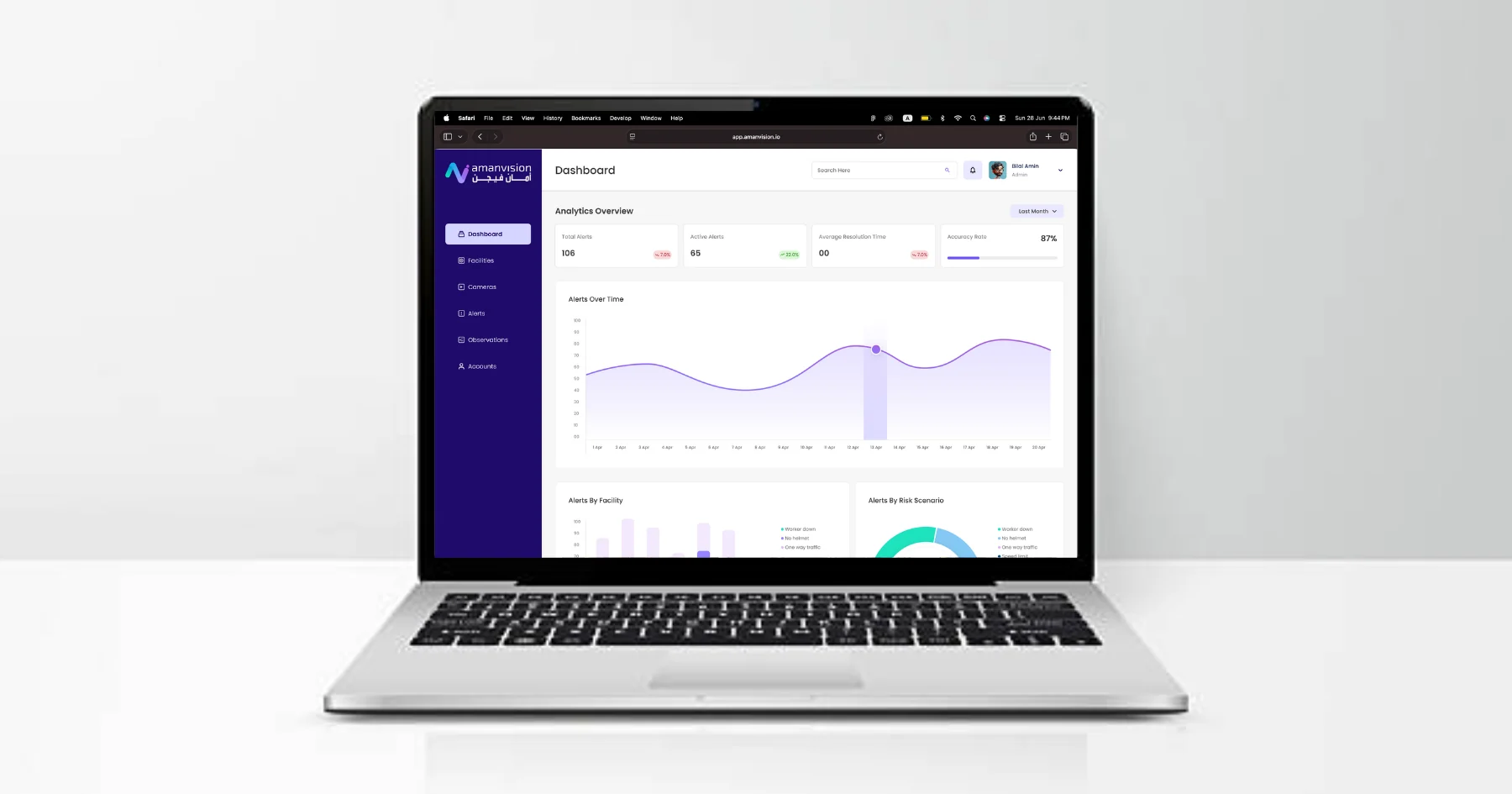
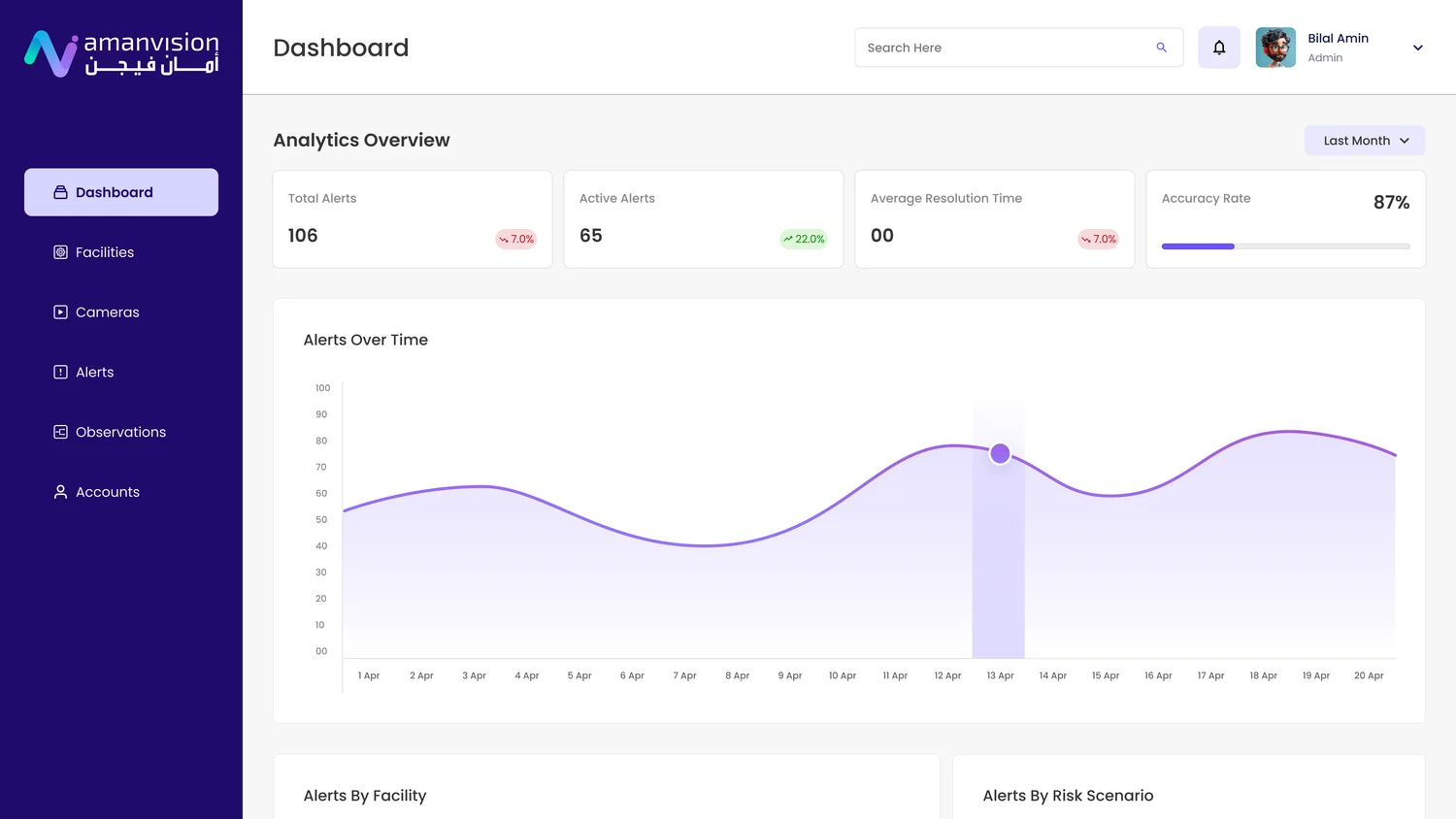
The whole site, at a glance.
Active alerts, average resolution time, and detection accuracy up top; alerts over time and breakdowns by facility and risk scenario below — enough to act on without digging.
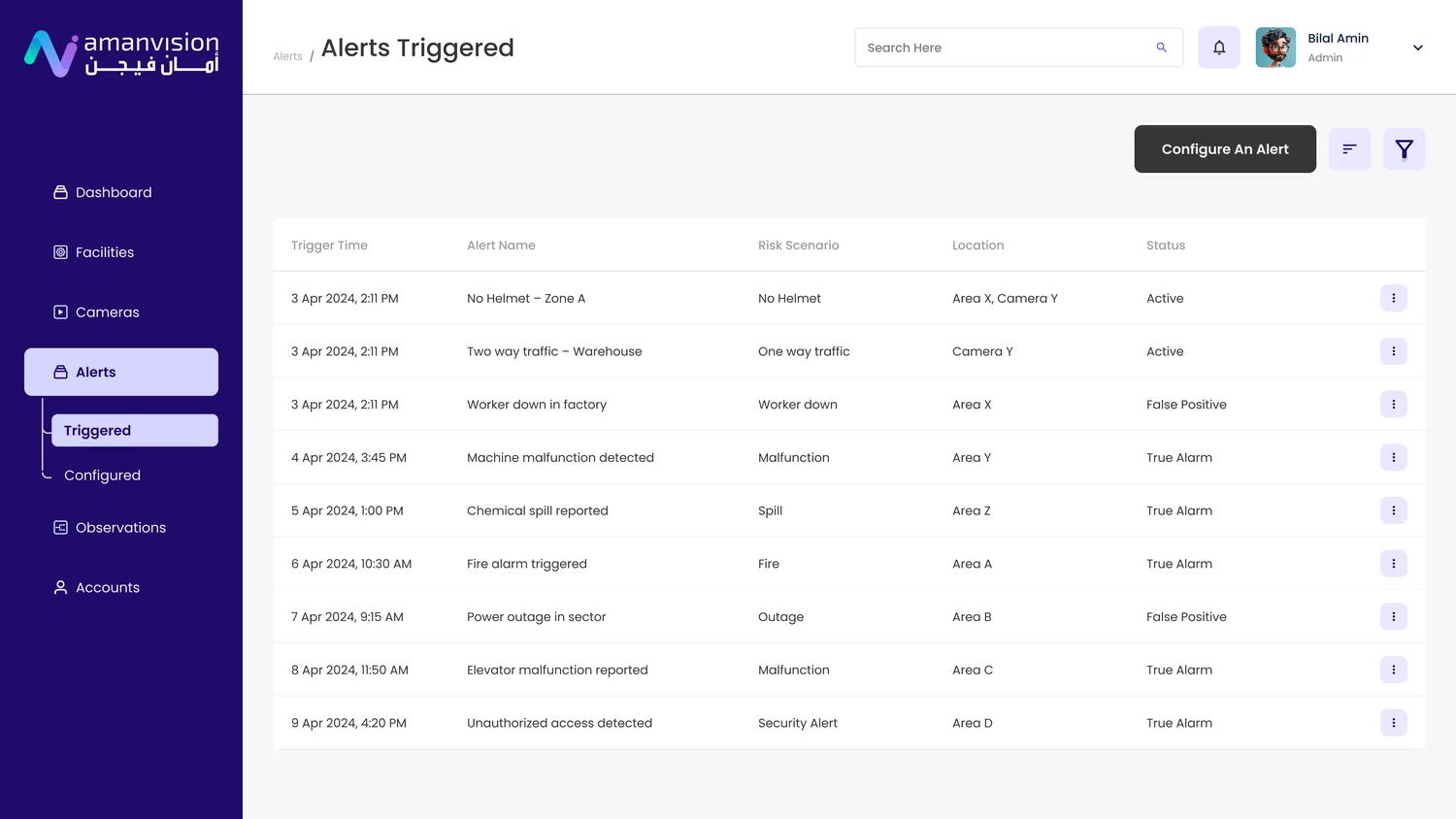
One queue for every event.
Each detection lands with its time, risk scenario, location, and status. The team validates true alarms, flags false positives, and escalates what matters — all in one place.
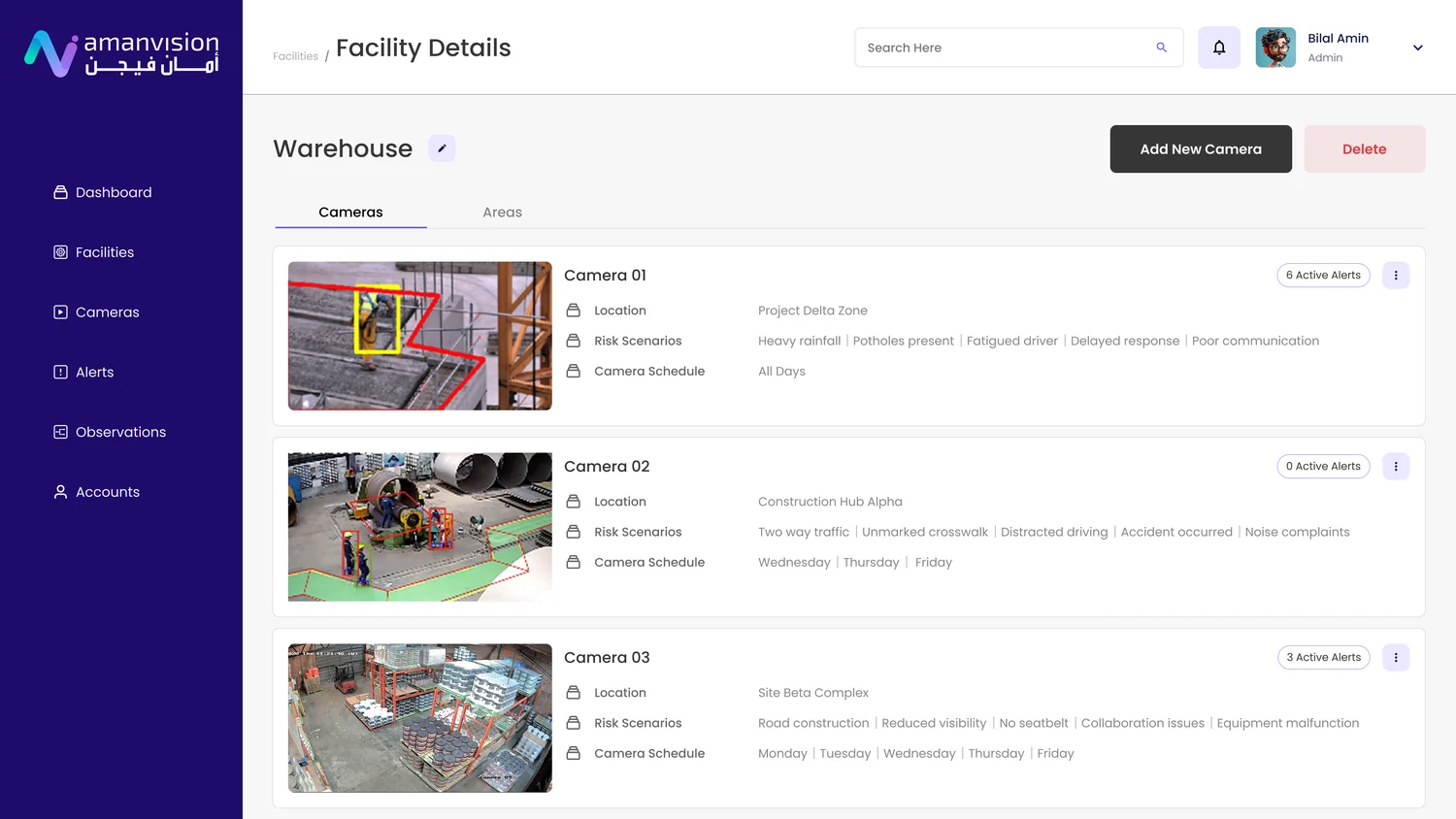
Configured around the real site.
Facilities, areas, and cameras set up per zone — each with its own risk scenarios and schedule, and a live active-alert count so nothing hides.
A safety platform that fits the region it serves.
AmanVision shipped as a GCC-first HSE platform — one system in place of the spreadsheet-and-paper sprawl, with AI output translated into work every role can trust.
platform in place of spreadsheets, chat threads, and paper across the safety workflow.
roles — Admin, HSE Manager, Facility Manager, Safety Officer, Leadership — in one workspace.
risk surfaced the moment it happens, not buried in an incident report written days later.
GCC-first by design
Aligned with Saudi regulation and Vision 2030, bilingual, and shaped around local site conditions — not a Western tool in translation.
AI made legible
Detections arrive as scored, explained events a non-technical officer can verify and act on in seconds.
Audit-ready output
Every event becomes structured, exportable documentation — built for the inspection it’s going to face.
AI is only useful when a person can act on it. The design job was translation.
The model could flag a violation in milliseconds — but that means nothing until an HSE manager trusts it, a safety officer can verify it, and leadership can see the pattern behind it. Most of the work wasn’t the detection; it was turning raw output into something five different roles could read, question, and act on — in their language, against their rules, fast enough to matter.
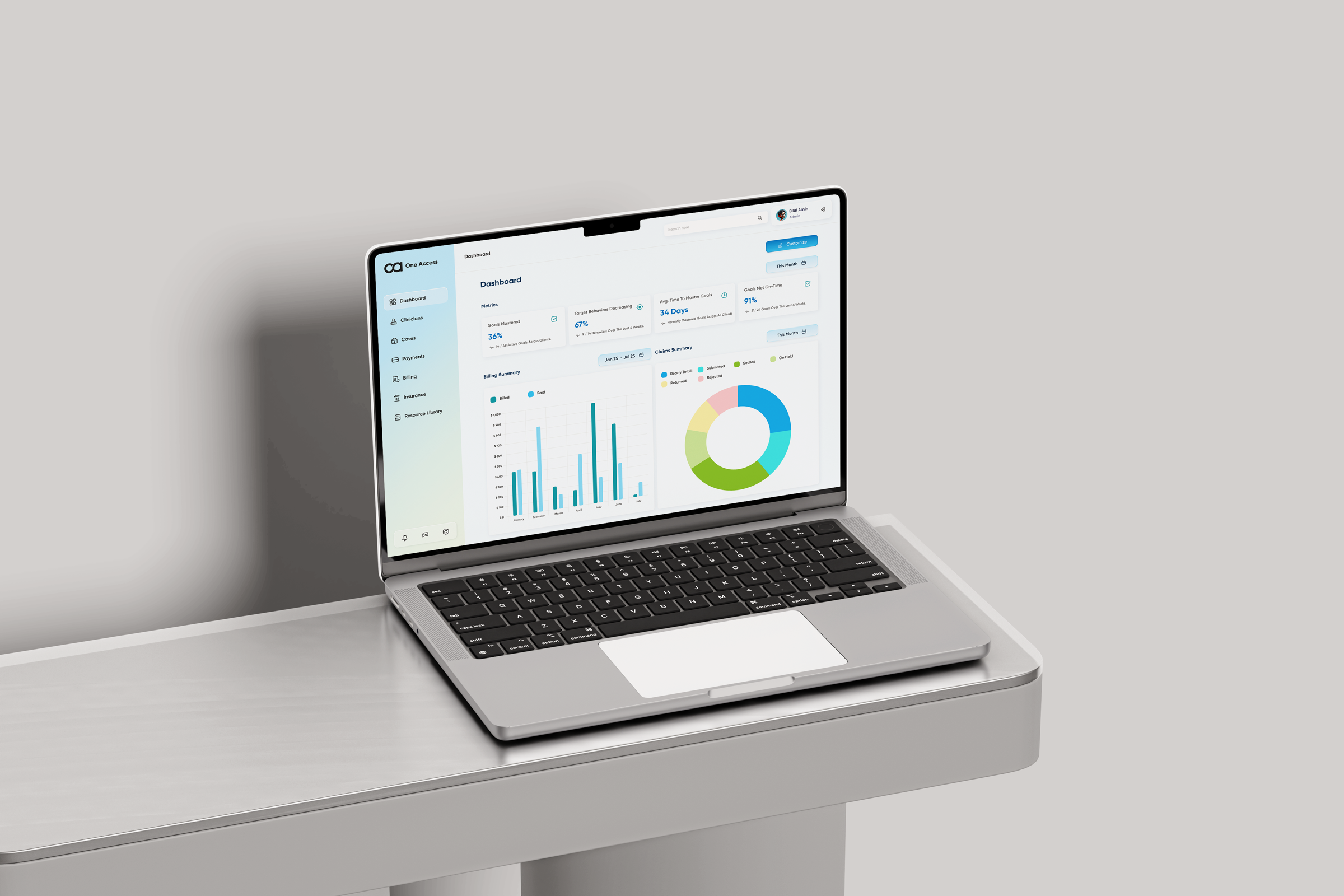
One platform for every role in an ABA practice — replacing a tab-switching workflow with a single, role-aware system from intake to discharge.
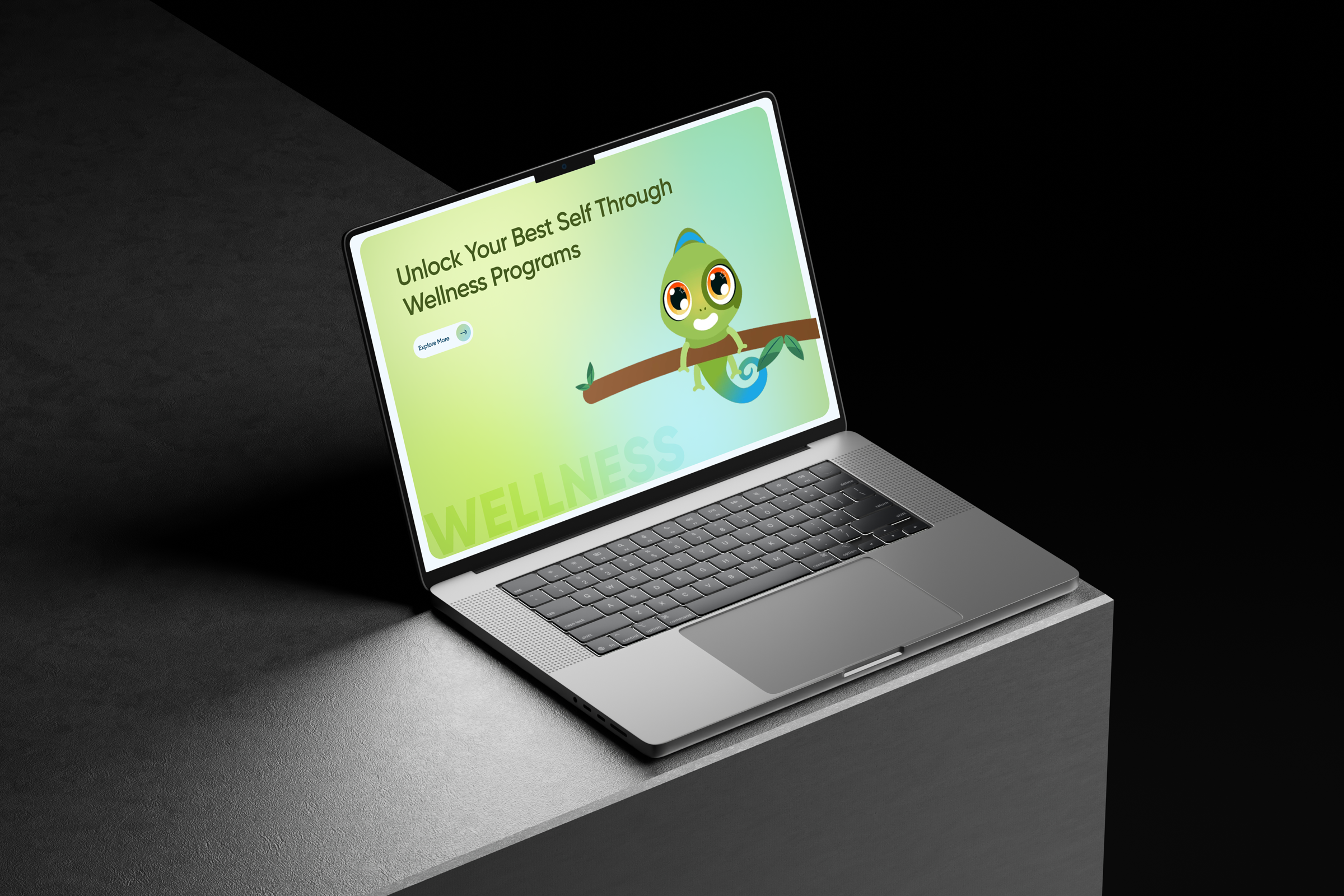
A website rebuild and brand identity for an ABA practice — one mascot, four service journeys, and a system built to grow.